Vibe Coding & AI-Powered Development

Vibe Coding Fundamentals: Build Software with AI

Describe what you want, guide AI tools to build it, and understand enough code to stay in control.
Level
Beginner
Duration
Shared at counselling
Format
Classroom · Small group · 1:1 mentoring
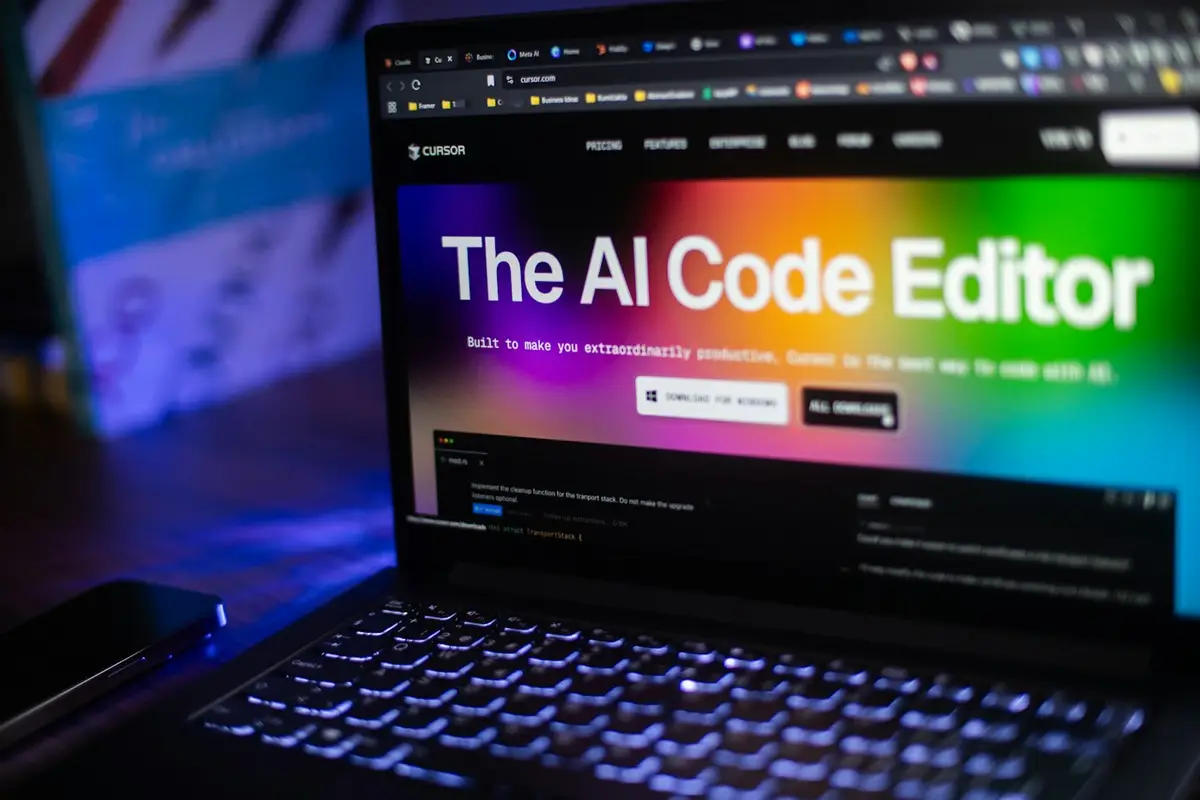
Laptop showing an AI code editor websiteVibe Coding · Beginner

Overview

Vibe coding means building software by describing what you want in plain language and iterating with an AI coding tool. It is powerful — and easy to get wrong. This course teaches the workflow and the judgement.

You will learn just enough HTML, CSS, JavaScript and Git to understand what the AI is doing, catch its mistakes and keep your project safe. By the end you will have shipped real projects to the web.

Who it's for

  • Complete beginners who want to build
  • Designers who want to bring prototypes to life
  • Founders validating ideas
  • Students exploring software careers

Prerequisites

  • No coding experience required
  • Comfort using a computer and installing software

What you'll learn

  • Plan a small app as a clear spec an AI tool can follow
  • Build and iterate on a working web app with AI coding tools
  • Read generated code and explain what it does
  • Use Git to save progress and undo mistakes
  • Debug with AI without blindly accepting fixes
  • Deploy a project to a public URL

Key skills

  • AI coding workflows
  • Prompting for code
  • Reading code
  • HTML, CSS & JavaScript basics
  • Git & GitHub
  • Debugging with AI
  • Deployment

Curriculum

  1. 01

    The vibe coding workflow

    • What AI coding tools do well and badly
    • Writing specs and prompts
    • Iteration loops
  2. 02

    Web fundamentals for builders

    • HTML structure
    • CSS layout
    • JavaScript basics
    • How browsers work
  3. 03

    Choosing your tools

    • AI app builders
    • AI code editors
    • Coding agents
    • Picking the right tool for the job
  4. 04

    Version control

    • Git basics
    • GitHub
    • Commits and branches
    • Rolling back safely
  5. 05

    Debugging & quality

    • Reading error messages
    • Asking AI to explain
    • Testing basics
    • Security pitfalls in generated code
  6. 06

    Ship it

    • Deployment
    • Custom domains
    • Sharing and feedback
    • What to learn next

Tools you'll use

  • Cursor
  • Claude Code
  • GitHub Copilot
  • Lovable
  • Bolt
  • v0
  • GitHub
  • Vercel / Netlify

Projects you'll build

  • Project 01

    Personal productivity tool

    A habit tracker, expense splitter or study planner you actually use.

  • Project 02

    Interactive web app for a local business

    A quiz, calculator or booking request tool with a clean, responsive interface.

  • Project 03

    Deployed portfolio project

    A project live on the web, with a short write-up of how you built it.

Training format

  • Classroom trainingMentor-led sessions at our Dilsukhnagar centre, with weekday and weekend batches.
  • Small-group batchesBatch sizes are kept small so every learner gets feedback on their own work, not just the lecture.
  • One-to-one mentoringPersonal sessions built around your goals, pace and projects — ideal for career switchers and portfolio work.

Fees, upcoming batch dates and timings are shared during your free counselling session. How personal training works.

Vibe Coding Fundamentals classes in Dilsukhnagar, Hyderabad

Classes run at our Dilsukhnagar centre in East Hyderabad, on the Red Line metro — convenient for learners from nearby areas including:

  • LB Nagar
  • Kothapet
  • Chaitanyapuri
  • Moosarambagh
  • Malakpet
  • Saroornagar
  • Karmanghat
  • Champapet
  • Nagole
  • Uppal
  • Vanasthalipuram
  • Hayathnagar
  • Amberpet

Learners also join from across Hyderabad — direct Red Line metro from Miyapur, Kukatpally and Ameerpet, or change at Ameerpet from HITEC City and at MGBS from Secunderabad — and from towns across Telangana for weekend batches.

How to reach our Dilsukhnagar centre · Google Maps · Monday – Saturday, 9:00 AM – 9:00 PM IST

Frequently asked questions

Is vibe coding "real" programming?

It is a real way to build software, but it works best when you understand the basics. That's why this course pairs AI tools with core web fundamentals and debugging.

Which tools do I need to buy?

Most tools have free tiers that are enough for the course. We compare paid options so you can decide later.

Part of these learning paths

Vibe Coding
Vibe CodingIntermediate

AI-Powered App Development: From Prompt to MVP

Build product MVPs with AI coding tools: prompt-to-UI, front-end components, APIs, databases, authentication, testing, security and deployment.
AI Websites
AI WebsitesBeginner → Intermediate

AI-Powered Website Development

Create professional websites with AI-assisted design and prompt-based building, then make them responsive, fast, accessible and SEO-ready before you deploy.
Agentic AI
Agentic AIBeginner

Generative AI & Prompt Engineering Fundamentals

A practical introduction to generative AI: how LLMs work, prompting techniques, working with documents and images, checking outputs and using AI responsibly.

Ready to start?

Talk to a counsellor about Vibe Coding Fundamentals: Build Software with AI — the right level, format and schedule for you.