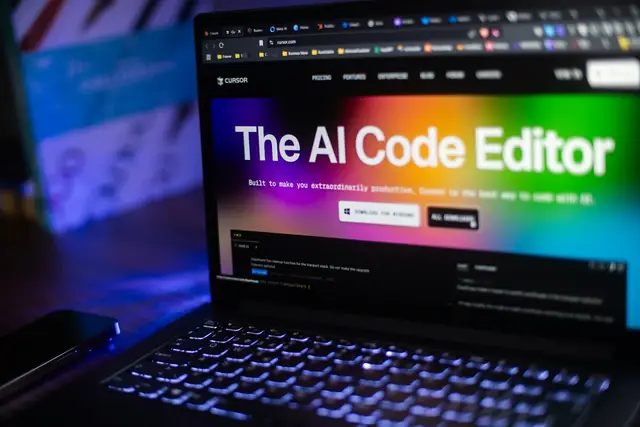
 Vibe Coding
 Fundamentals: Build Software with AI
Build working apps and tools by collaborating with AI coding assistants — with the fundamentals you need to read, test and fix what they generate.
Vibe Coding & AI-Powered Development
Go from idea to a working MVP with AI-assisted development — including the backend pieces real apps need.
 Vibe Coding · Intermediate
This course covers the practical engineering a product needs — APIs, data, authentication, testing and deployment — taught in the context of building MVPs with AI, not as a separate development track.
You will scope an MVP, generate and refine the interface, connect real data and ship it. AI tools speed up every step; the course teaches you how to review their work so the result is secure and maintainable.
For example, an appointment booking app with a customer view and an admin dashboard.
Combine a public API with an AI capability such as summarisation or classification.
A launch checklist, security review and short demo of your live MVP.
Fees, upcoming batch dates and timings are shared during your free counselling session. How personal training works.
Classes run at our Dilsukhnagar centre in East Hyderabad, on the Red Line metro — convenient for learners from nearby areas including:
Learners also join from across Hyderabad — direct Red Line metro from Miyapur, Kukatpally and Ameerpet, or change at Ameerpet from HITEC City and at MGBS from Secunderabad — and from towns across Telangana for weekend batches.
How to reach our Dilsukhnagar centre · Google Maps · Monday – Saturday, 9:00 AM – 9:00 PM IST
The essentials an MVP needs — APIs, databases, authentication and deployment — taught within AI-assisted product building rather than as a separate development track.
Yes, as long as it can be scoped to an MVP within the course. Mentors help you cut the scope to what matters.
Vibe CodingBuild working apps and tools by collaborating with AI coding assistants — with the fundamentals you need to read, test and fix what they generate.
 Agentic AI
For builders ready to go beyond prototypes. Build RAG pipelines, coordinate multiple agents, design AI product UX and deploy an AI application with monitoring.
 Cloud & DevOps
Git workflows, cloud basics, Docker, hosting and environment configuration, CI/CD and monitoring — practical deployment skills for builders.
Talk to a counsellor about AI-Powered App Development: From Prompt to MVP — the right level, format and schedule for you.