Graphic Design & Brand Identity

Graphic Design & Brand Identity

Learn the visual fundamentals behind strong brands — and use AI to explore faster without losing originality.
Level
Beginner
Duration
Shared at counselling
Format
Classroom · Small group · 1:1 mentoring
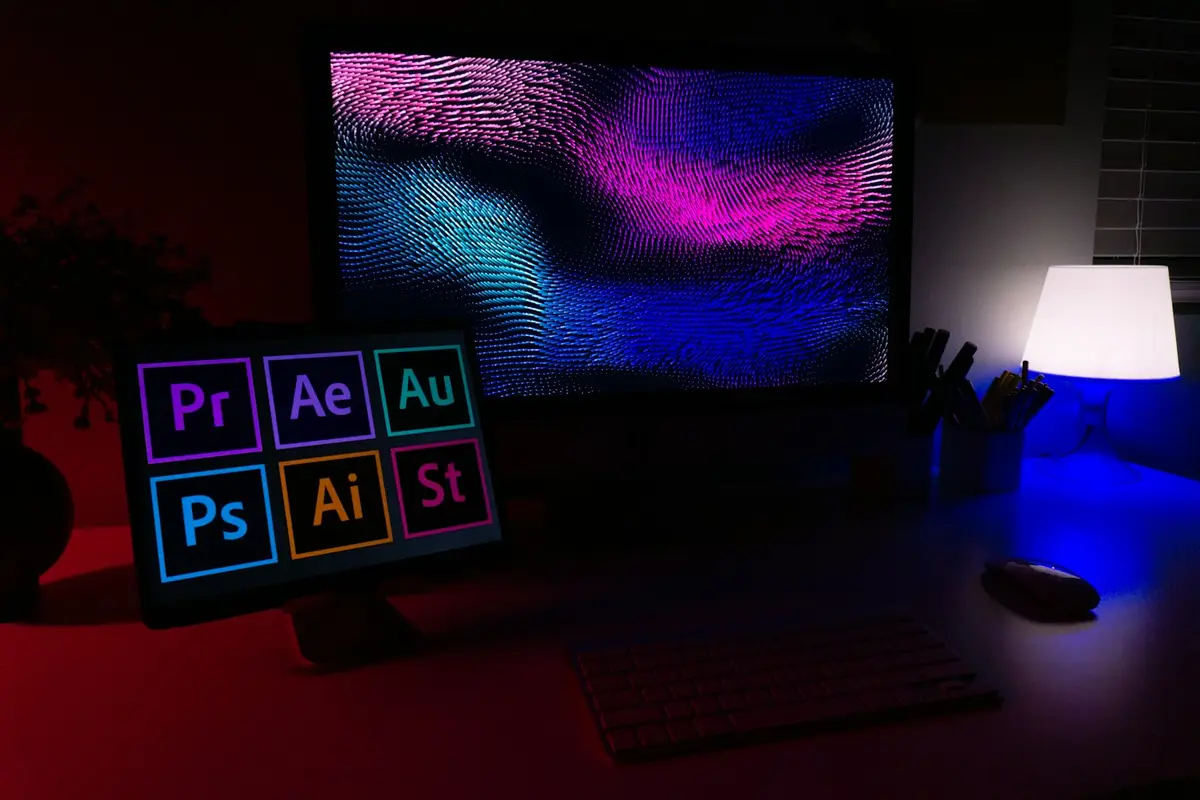
Creative app icons on a tablet in neon lightGraphic Design · Beginner

Overview

Strong visual design is a foundation skill for UI/UX designers, marketers and founders alike. This course builds that foundation through brand projects rather than isolated exercises.

You'll take a brand from brief to guidelines, then apply it across social media and campaign creatives. AI image tools are used for exploration and mockups, with clear guidance on originality and copyright.

Who it's for

  • Beginners interested in design
  • Future UI/UX designers
  • Marketers and content creators
  • Small-business owners

Prerequisites

  • No experience required

What you'll learn

  • Apply hierarchy, layout and composition principles
  • Pair typefaces and build colour palettes with purpose
  • Design a logo and identity system from a brief
  • Write and design brand guidelines
  • Produce social media creatives and campaign banners
  • Use AI image tools ethically for exploration and mockups

Key skills

  • Visual hierarchy
  • Typography
  • Colour theory
  • Logo design
  • Brand guidelines
  • Social media design
  • AI-assisted creative

Curriculum

  1. 01

    Visual design fundamentals

    • Hierarchy and composition
    • Grids
    • Contrast and balance
  2. 02

    Typography & colour

    • Type classification and pairing
    • Colour theory
    • Accessible colour
  3. 03

    Logo & identity

    • Brand discovery
    • Sketching and concepts
    • Refining a mark
  4. 04

    Brand systems

    • Visual language
    • Guidelines
    • Templates
  5. 05

    Social media & campaigns

    • Platform formats
    • Campaign concepts
    • Banners and ads
  6. 06

    AI-assisted creative workflows

    • AI for ideation and mockups
    • Editing AI output
    • Copyright and ethics

Tools you'll use

  • Adobe Illustrator
  • Adobe Photoshop
  • Figma
  • Canva
  • Adobe Firefly
  • Midjourney

Projects you'll build

  • Project 01

    Brand identity for a local business

    Logo, palette, type and a short guidelines document.

  • Project 02

    Social media campaign kit

    A set of on-brand posts, stories and banners for a campaign.

Training format

  • Classroom trainingMentor-led sessions at our Dilsukhnagar centre, with weekday and weekend batches.
  • Small-group batchesBatch sizes are kept small so every learner gets feedback on their own work, not just the lecture.
  • One-to-one mentoringPersonal sessions built around your goals, pace and projects — ideal for career switchers and portfolio work.

Fees, upcoming batch dates and timings are shared during your free counselling session. How personal training works.

Graphic Design & Brand Identity classes in Dilsukhnagar, Hyderabad

Classes run at our Dilsukhnagar centre in East Hyderabad, on the Red Line metro — convenient for learners from nearby areas including:

  • LB Nagar
  • Kothapet
  • Chaitanyapuri
  • Moosarambagh
  • Malakpet
  • Saroornagar
  • Karmanghat
  • Champapet
  • Nagole
  • Uppal
  • Vanasthalipuram
  • Hayathnagar
  • Amberpet

Learners also join from across Hyderabad — direct Red Line metro from Miyapur, Kukatpally and Ameerpet, or change at Ameerpet from HITEC City and at MGBS from Secunderabad — and from towns across Telangana for weekend batches.

How to reach our Dilsukhnagar centre · Google Maps · Monday – Saturday, 9:00 AM – 9:00 PM IST

Frequently asked questions

Do I need to be good at drawing?

No. Graphic design is about communication and decisions. Sketching helps, but it is taught as a thinking tool, not an art skill.

Is this useful if I want to do UI/UX later?

Yes. Typography, colour and layout are the visual foundations of interface design.

UI/UX Design
UI/UX DesignBeginner → Advanced

UI/UX Design Professional Program

DYD Hub's flagship course. Learn research, Figma, prototyping, design systems and AI-assisted workflows through project briefs, and finish with portfolio case studies.
AI Websites
AI WebsitesBeginner → Intermediate

AI-Powered Website Development

Create professional websites with AI-assisted design and prompt-based building, then make them responsive, fast, accessible and SEO-ready before you deploy.

Ready to start?

Talk to a counsellor about Graphic Design & Brand Identity — the right level, format and schedule for you.