Mobile App Development

Mobile App Design & Development

Design, prototype and build cross-platform mobile apps — with AI features and a path to the app stores.
Level
Intermediate
Duration
Shared at counselling
Format
Classroom · Small group · 1:1 mentoring
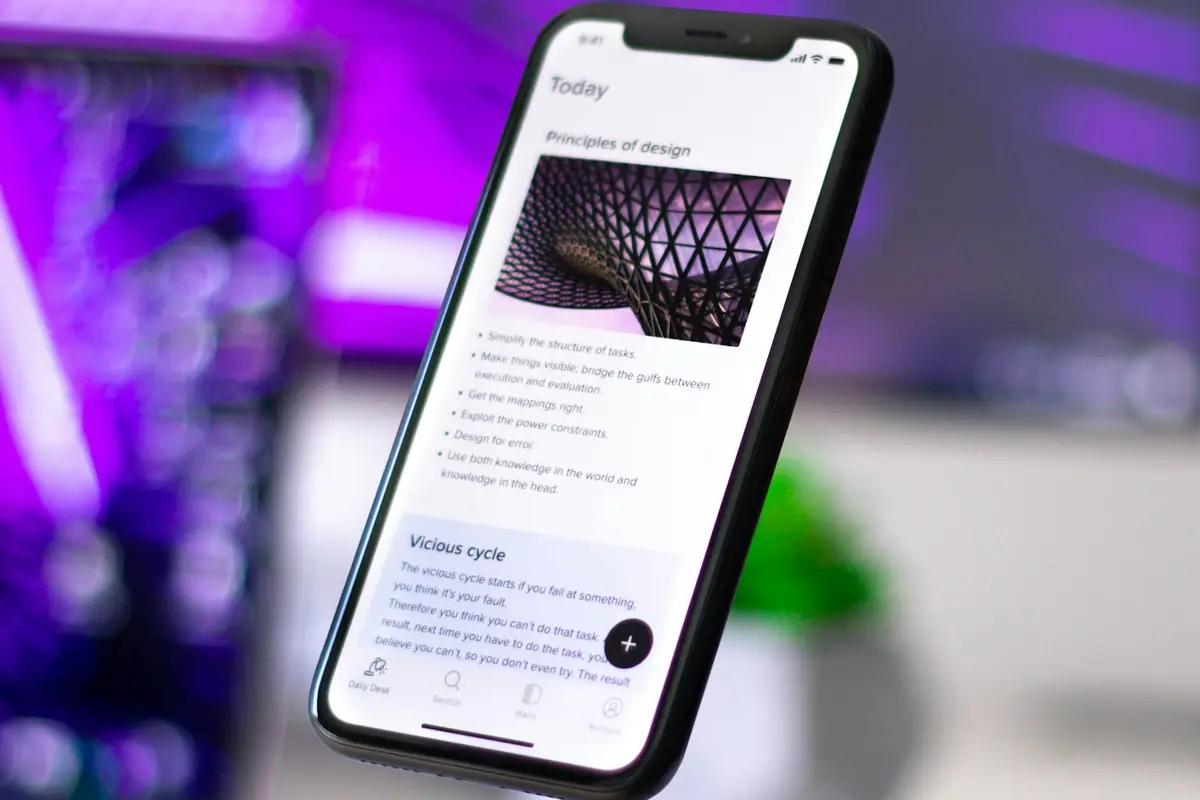
Phone showing an app on a purple backgroundMobile Apps · Intermediate

Overview

Mobile apps live or die on small details: navigation that feels natural, fast loading, sensible offline behaviour. This course teaches the design and the development side together, so you understand both.

You will prototype and test your app in Figma first, then build it with React Native (Expo) or Flutter, connect real data and add an AI feature, before preparing a release build.

Who it's for

  • Developers moving into mobile
  • Designers who want to build what they design
  • Vibe Coding graduates
  • Founders planning a mobile product

Prerequisites

  • Basic programming or Vibe Coding Fundamentals
  • Basic design understanding helps

What you'll learn

  • Design mobile flows that follow iOS and Android conventions
  • Prototype and test a mobile app in Figma
  • Build screens and navigation with React Native (Expo) or Flutter
  • Connect to APIs and handle loading, offline and error states
  • Add AI features such as chat, image recognition or summarisation responsibly
  • Test on real devices and prepare a release build

Key skills

  • Mobile UX patterns
  • Prototyping
  • Cross-platform development
  • API integration
  • AI features
  • Device testing
  • App store release

Curriculum

  1. 01

    Mobile UI/UX

    • Platform guidelines
    • Navigation patterns
    • Gestures
    • Accessibility
  2. 02

    Prototyping

    • Figma mobile prototypes
    • Usability testing on phones
  3. 03

    Building the app

    • React Native with Expo or Flutter
    • Components and navigation
    • State management
  4. 04

    Data & APIs

    • REST APIs
    • Local storage
    • Authentication
    • Push notification basics
  5. 05

    AI features

    • LLM APIs
    • Vision and speech
    • Privacy and cost considerations
  6. 06

    Testing & deployment

    • Device testing
    • Release builds
    • Store listings
    • Review guidelines

Tools you'll use

  • Figma
  • React Native + Expo
  • Flutter
  • Firebase
  • Supabase
  • Android Studio / Xcode
  • AI coding assistants

Projects you'll build

  • Project 01

    Mobile prototype & usability test

    A tested Figma prototype with findings and design changes.

  • Project 02

    Cross-platform app with an AI feature

    For example, a recipe scanner or a study helper with camera or chat input.

  • Project 03

    Release-ready build

    A signed build with store listing assets and a release checklist.

Training format

  • Classroom trainingMentor-led sessions at our Dilsukhnagar centre, with weekday and weekend batches.
  • Small-group batchesBatch sizes are kept small so every learner gets feedback on their own work, not just the lecture.
  • One-to-one mentoringPersonal sessions built around your goals, pace and projects — ideal for career switchers and portfolio work.

Fees, upcoming batch dates and timings are shared during your free counselling session. How personal training works.

Mobile App Design & Development classes in Dilsukhnagar, Hyderabad

Classes run at our Dilsukhnagar centre in East Hyderabad, on the Red Line metro — convenient for learners from nearby areas including:

  • LB Nagar
  • Kothapet
  • Chaitanyapuri
  • Moosarambagh
  • Malakpet
  • Saroornagar
  • Karmanghat
  • Champapet
  • Nagole
  • Uppal
  • Vanasthalipuram
  • Hayathnagar
  • Amberpet

Learners also join from across Hyderabad — direct Red Line metro from Miyapur, Kukatpally and Ameerpet, or change at Ameerpet from HITEC City and at MGBS from Secunderabad — and from towns across Telangana for weekend batches.

How to reach our Dilsukhnagar centre · Google Maps · Monday – Saturday, 9:00 AM – 9:00 PM IST

Frequently asked questions

React Native or Flutter — which will I learn?

We help you choose based on your background and goals during counselling. Core mobile concepts apply to both.

Do I need a Mac?

Not to learn and test on Android. Building for the iOS App Store needs macOS; we explain the options.

Part of these learning paths

UI/UX Design
UI/UX DesignBeginner → Advanced

UI/UX Design Professional Program

DYD Hub's flagship course. Learn research, Figma, prototyping, design systems and AI-assisted workflows through project briefs, and finish with portfolio case studies.

Vibe Coding
Vibe CodingIntermediate

AI-Powered App Development: From Prompt to MVP

Build product MVPs with AI coding tools: prompt-to-UI, front-end components, APIs, databases, authentication, testing, security and deployment.
Ready to start?

Talk to a counsellor about Mobile App Design & Development — the right level, format and schedule for you.