
UI/UX & Product Design

UI/UX Design Professional Program

Go from your first wireframe to portfolio-ready product designer, in a classroom, guided by mentors who design for real clients.
Level
Beginner → Advanced
Duration
3 months (12 weeks)
Schedule
Weekday and weekend batches
Format
Classroom · Small group · 1:1 mentoring
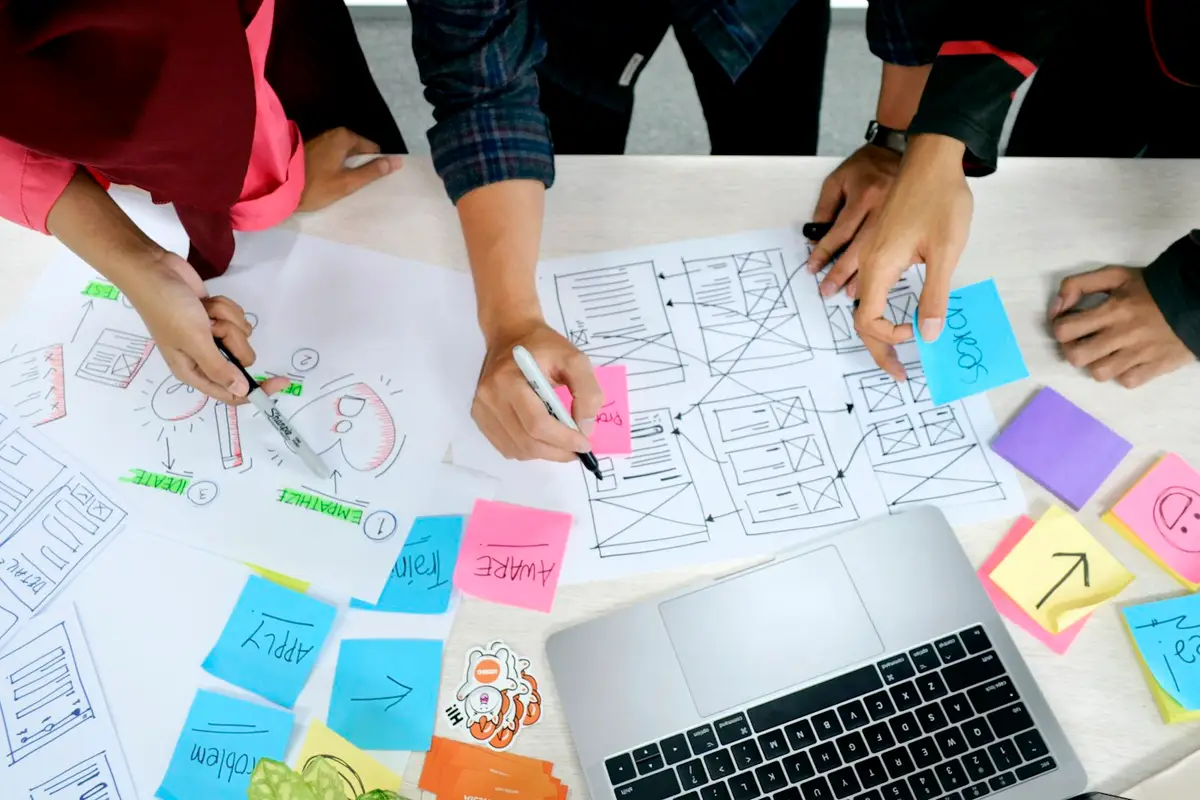
Team sketching wireframes with sticky notes around a laptopUI/UX Design · Beginner → Advanced

Overview

This is the programme DYD Hub is best known for. Over twelve weeks you move through the full product design process — understanding users, structuring information, designing interfaces in Figma, prototyping and testing — the same way our studio team approaches client work.

Sessions are mentor-led at our Dilsukhnagar centre in small batches, so feedback is personal and frequent. AI tools are part of the workflow from the start: you will use them for research synthesis, content and rapid exploration, while learning where human judgement still matters most.

Who it's for

  • College students from any stream
  • Graduates starting a design career
  • Working professionals moving into UX — including graphic designers, developers and marketers
  • Founders who want to understand how good products are designed

Prerequisites

  • No prior design or coding experience needed
  • A laptop that can run Figma (the free plan is enough to start)
  • Time to practise between sessions

What you'll learn

  • Plan and run lightweight user research, then turn findings into personas, journeys and clear problem statements
  • Structure products with sitemaps, user flows and wireframes before touching visual design
  • Design responsive web and mobile interfaces in Figma using auto layout, components and variables
  • Build interactive prototypes and test them with real users
  • Create and document a small design system
  • Present two to three portfolio case studies that explain your process and decisions

Key skills

  • User research
  • Information architecture
  • Wireframing
  • Figma
  • Prototyping
  • Design systems
  • Usability testing
  • Accessibility
  • AI-assisted design

Curriculum

  1. 01

    Weeks 1–2 · Design foundations

    • Visual design principles
    • Typography and colour
    • Grids and spacing
    • Design thinking
  2. 02

    Weeks 3–4 · Figma mastery

    • Frames, auto layout and constraints
    • Components and variants
    • Styles, variables and tokens
    • Collaboration basics
  3. 03

    Weeks 5–6 · UX research & strategy

    • User interviews and surveys
    • Personas and journey maps
    • Information architecture and user flows
    • Competitive analysis
  4. 04

    Weeks 7–8 · UI design & systems

    • High-fidelity UI
    • Design systems from scratch
    • Responsive and mobile design
    • Interaction patterns
  5. 05

    Weeks 9–10 · Prototyping & testing

    • Clickable prototypes
    • Usability testing methods
    • Accessibility checks (WCAG basics)
    • Iteration and developer handoff
  6. 06

    Weeks 11–12 · AI workflows & portfolio

    • AI tools for research, content and exploration
    • Capstone project
    • Portfolio case studies
    • Interview preparation

How AI fits into the course

AI tools are taught as part of how modern designers work — inside every module, not as a bolt-on. You'll learn where they speed you up and where human research and judgement still make the difference.

  • AI image & visual toolsCreate moodboards, visual references and concepts quickly — then refine them with design judgement.
  • AI in FigmaUse Figma's built-in AI features for content, variations and faster component work.
  • AI for UX writingDraft microcopy, error messages and onboarding content, then edit for clarity and tone.
  • AI-assisted prototypingTurn sketches and wireframes into interactive prototypes faster.
  • AI usability analysisSpot likely usability issues before testing — and learn why real users still matter most.
  • AI-assisted developer handoffUnderstand how AI coding tools read designs, so you can collaborate better with developers.

Tools you'll use

  • Figma
  • FigJam
  • Figma AI features
  • ChatGPT / Claude
  • Google Forms & Sheets
  • Accessibility checkers

Projects you'll build

  • Project 01

    App redesign case study

    Audit an existing mobile app, find usability problems through testing and redesign its key flows.

  • Project 02

    Responsive web product

    Take a booking or SaaS idea from research to a tested, high-fidelity responsive prototype.

  • Project 03

    Capstone product

    An end-to-end case study with research, flows, UI, prototype and a documented mini design system.

Training format

  • Classroom trainingMentor-led sessions at our Dilsukhnagar centre, with weekday and weekend batches.
  • Small-group batchesBatch sizes are kept small so every learner gets feedback on their own work, not just the lecture.
  • One-to-one mentoringPersonal sessions built around your goals, pace and projects — ideal for career switchers and portfolio work.

Duration: 3 months (12 weeks) · Weekday and weekend batches. Fees, upcoming batch dates and timings are shared during your free counselling session. How personal training works.

UI/UX Design Professional Program classes in Dilsukhnagar, Hyderabad

Classes run at our Dilsukhnagar centre in East Hyderabad, on the Red Line metro — convenient for learners from nearby areas including:

  • LB Nagar
  • Kothapet
  • Chaitanyapuri
  • Moosarambagh
  • Malakpet
  • Saroornagar
  • Karmanghat
  • Champapet
  • Nagole
  • Uppal
  • Vanasthalipuram
  • Hayathnagar
  • Amberpet

Learners also join from across Hyderabad — direct Red Line metro from Miyapur, Kukatpally and Ameerpet, or change at Ameerpet from HITEC City and at MGBS from Secunderabad — and from towns across Telangana for weekend batches.

How to reach our Dilsukhnagar centre · Google Maps · Monday – Saturday, 9:00 AM – 9:00 PM IST

Frequently asked questions

Do I need a design background to join?

No. The programme starts with visual and UX fundamentals. Many learners join from engineering, commerce, arts or non-technical jobs.

How long is the course and when are classes?

Twelve weeks, with weekday and weekend batches. Current timings and the next start date are shared during your free counselling session.

What will I have at the end?

Portfolio case studies, your Figma files, a small design system and a clear plan for your next steps — whether that is applying for roles, freelancing or continuing with advanced courses.

Do you guarantee a job?

No institute can honestly guarantee a job. We help you prepare: portfolio reviews, mock interviews and guidance on where and how to apply.

Part of these learning paths

UI/UX Design
UI/UX DesignIntermediate

Advanced Figma & Design Systems

For designers who know the basics. Master advanced auto layout, variables and component architecture, and build a design system developers can actually use.
UI/UX Design
UI/UX DesignAdvanced

UX Case Studies & Portfolio Mentorship

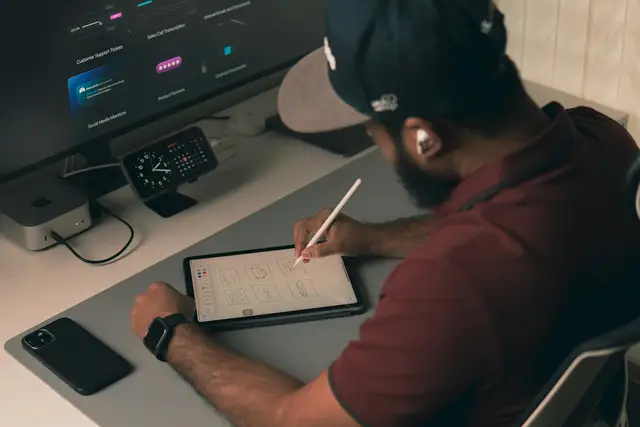
Personal mentoring for designers preparing for jobs or freelance work: shape your case studies, sharpen your portfolio site and practise presenting your work.
Graphic Design
Graphic DesignBeginner

Graphic Design & Brand Identity

Typography, colour, layout, logos and brand systems, plus social media and campaign design — with AI-assisted creative workflows.

Ready to start?

Talk to a counsellor about UI/UX Design Professional Program — the right level, format and schedule for you.