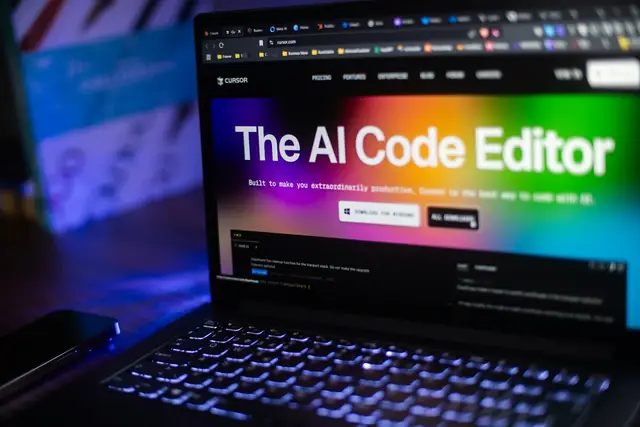
AI-Powered Website Development

AI-Powered Website Development

Design and launch fast, accessible, search-friendly websites with AI tools — and know how to check their work.
Level
Beginner → Intermediate
Duration
Shared at counselling
Format
Classroom · Small group · 1:1 mentoring
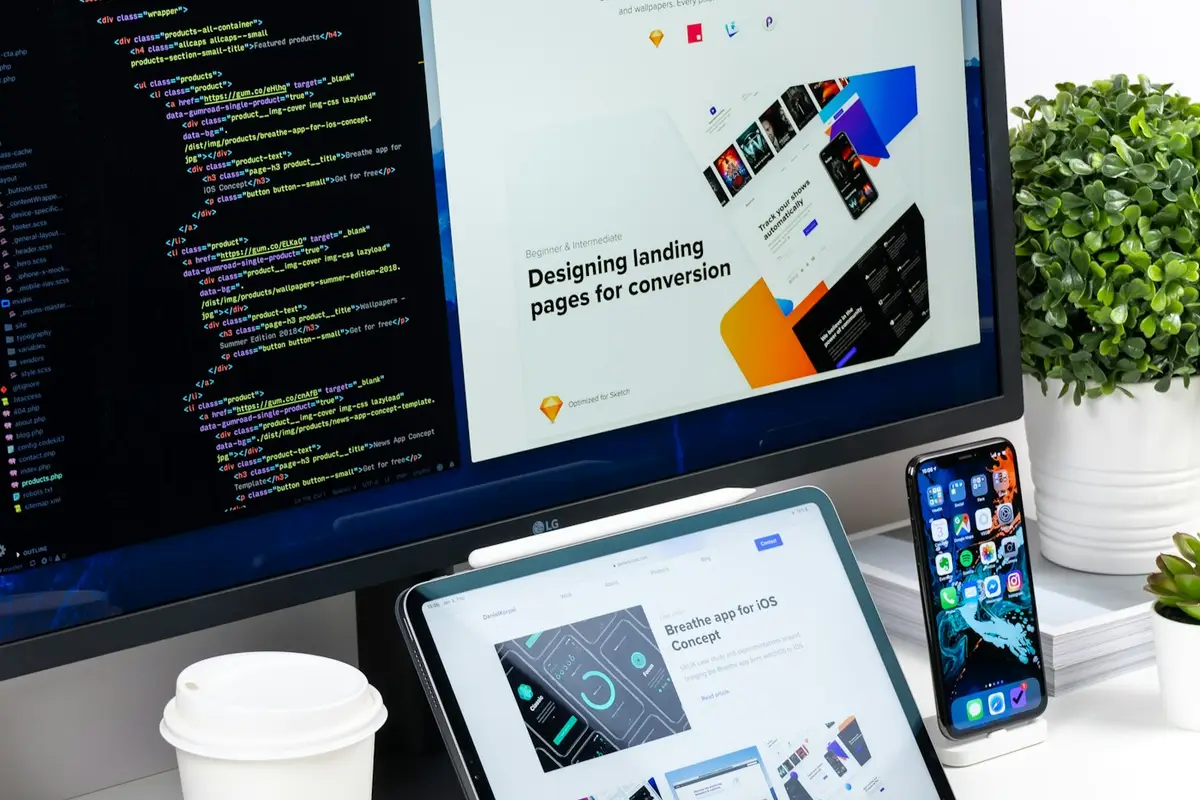
Landing page designs on a monitor, tablet and phoneAI Websites · Beginner → Intermediate

Overview

AI can generate a website in minutes. Making one that represents a brand well, loads fast, works for everyone and gets found on Google still takes skill. That gap is what this course closes.

You'll plan, design and build sites with AI website builders and AI code editors, then run them through performance, accessibility and SEO checks before launching with a custom domain.

Who it's for

  • Beginners who want to build websites
  • Freelancers and small-business owners
  • Designers adding build skills
  • Marketers managing websites

Prerequisites

  • Basic computer skills
  • No coding experience required

What you'll learn

  • Plan site structure and content for a real business
  • Generate layouts with AI and refine them for brand and clarity
  • Build responsive pages with AI builders and code editors
  • Implement on-page SEO: titles, headings, structured data and internal links
  • Measure and improve Core Web Vitals and accessibility
  • Launch with a custom domain, forms, analytics and Search Console

Key skills

  • AI-assisted web design
  • Prompt-based site building
  • Responsive layout
  • SEO fundamentals
  • Web performance
  • Accessibility
  • Deployment

Curriculum

  1. 01

    Website strategy

    • Goals and audience
    • Sitemaps
    • Content planning
  2. 02

    AI-assisted design

    • Moodboards and layouts
    • Drafting copy with AI
    • Keeping brand consistency
  3. 03

    Building with AI tools

    • Prompt-based builders
    • Framer and Webflow
    • AI code editors
    • Choosing between them
  4. 04

    Responsive & accessible interfaces

    • Layout and typography
    • Colour contrast
    • Keyboard and screen-reader basics
  5. 05

    SEO & performance

    • On-page SEO
    • Structured data
    • Image optimisation
    • Core Web Vitals and Lighthouse
  6. 06

    Launch

    • Domains and hosting
    • Forms
    • Analytics
    • Google Search Console

Tools you'll use

  • Framer
  • Webflow
  • Lovable
  • Cursor
  • Figma
  • Google Search Console
  • PageSpeed Insights

Projects you'll build

  • Project 01

    Business website

    A complete, multi-page website for a local brand, live on a custom domain.

  • Project 02

    Personal portfolio site

    A fast, accessible portfolio you can keep updating.

  • Project 03

    Site audit

    An SEO, performance and accessibility audit of an existing site, with prioritised fixes.

Training format

  • Classroom trainingMentor-led sessions at our Dilsukhnagar centre, with weekday and weekend batches.
  • Small-group batchesBatch sizes are kept small so every learner gets feedback on their own work, not just the lecture.
  • One-to-one mentoringPersonal sessions built around your goals, pace and projects — ideal for career switchers and portfolio work.

Fees, upcoming batch dates and timings are shared during your free counselling session. How personal training works.

AI-Powered Website Development classes in Dilsukhnagar, Hyderabad

Classes run at our Dilsukhnagar centre in East Hyderabad, on the Red Line metro — convenient for learners from nearby areas including:

  • LB Nagar
  • Kothapet
  • Chaitanyapuri
  • Moosarambagh
  • Malakpet
  • Saroornagar
  • Karmanghat
  • Champapet
  • Nagole
  • Uppal
  • Vanasthalipuram
  • Hayathnagar
  • Amberpet

Learners also join from across Hyderabad — direct Red Line metro from Miyapur, Kukatpally and Ameerpet, or change at Ameerpet from HITEC City and at MGBS from Secunderabad — and from towns across Telangana for weekend batches.

How to reach our Dilsukhnagar centre · Google Maps · Monday – Saturday, 9:00 AM – 9:00 PM IST

Frequently asked questions

Will I learn to code?

You'll learn enough HTML and CSS to understand and adjust what AI tools produce. Deeper coding is covered in Vibe Coding Fundamentals.

Can I build my business website during the course?

Yes — that's one of the best ways to take this course. Bring your content and goals to the first session.

Part of these learning paths

UI/UX Design
UI/UX DesignBeginner → Advanced

UI/UX Design Professional Program

DYD Hub's flagship course. Learn research, Figma, prototyping, design systems and AI-assisted workflows through project briefs, and finish with portfolio case studies.
Graphic Design
Graphic DesignBeginner

Graphic Design & Brand Identity

Typography, colour, layout, logos and brand systems, plus social media and campaign design — with AI-assisted creative workflows.

Ready to start?

Talk to a counsellor about AI-Powered Website Development — the right level, format and schedule for you.